Desktops moved to the cloud, data stays put
From platform selection and deployment to migration and acceptance — live in four steps, working anywhere while the data stays inside the company.
Using hyper-convergence, virtualisation and VDI technology, we design the best-fit desktop architecture for each usage scenario. Standard office roles get pooled desktops: one image, rapid provisioning, low operating cost. Engineering and design roles get dedicated desktops: independent storage and GPU passthrough to meet graphics performance and personalisation needs. Desktops live in the cloud, data never lands on the endpoint, and work can happen anywhere.
Scenarios and desktop mode selection
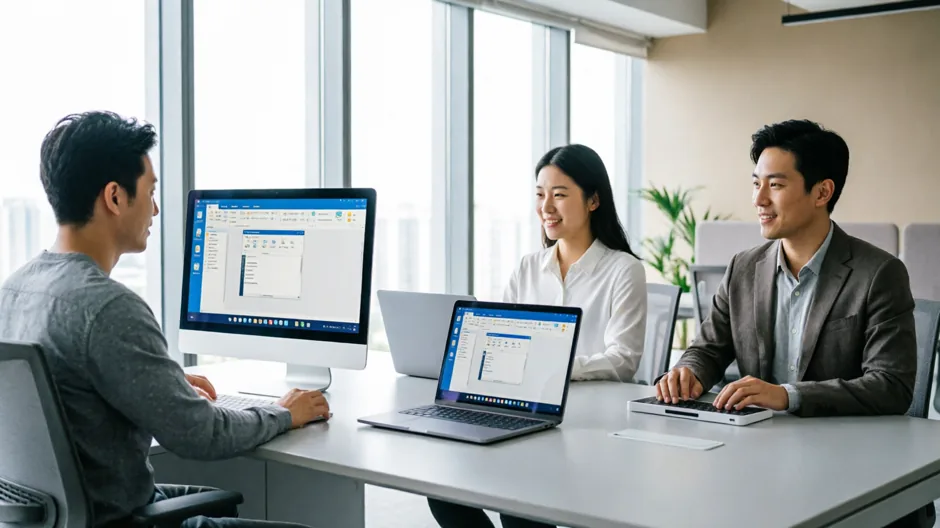
Not every role suits the same desktop: standard office roles use pooled mode, engineering and design roles use dedicated mode, and sales and travelling staff use mobile access.
At selection time we compare performance, cost and operational complexity, so you do not discover a poor fit after go-live.
- Pooled desktops (single image, rapid provisioning)
- Dedicated desktops (independent storage, personalisation)
- GPU passthrough and graphics acceleration
- Mobile working and remote access
- Scenario-based selection and cost comparison
Platform deployment in four steps
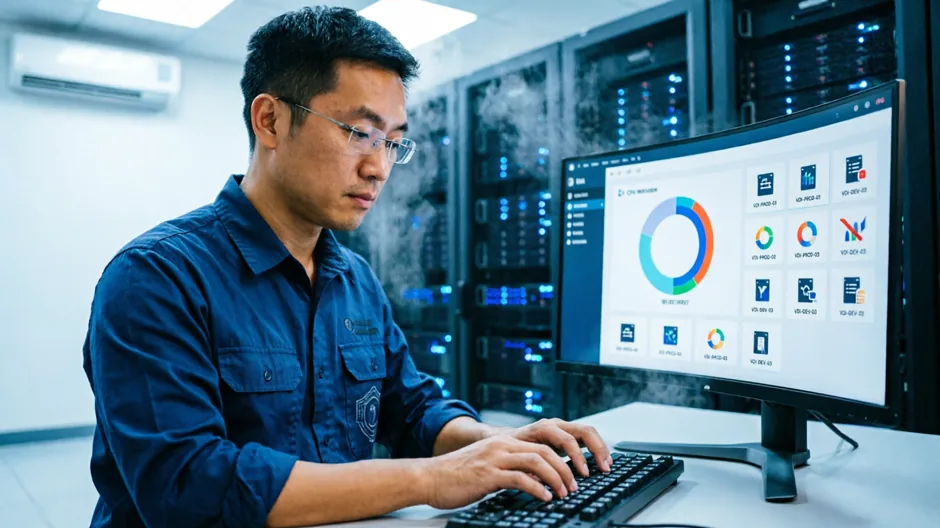
Selection, deployment, migration and acceptance — four steps to go live. The platform spans the complete stack: hyper-convergence, virtualisation, VDI management, secure gateway and load balancing.
Stress testing and experience validation are completed before go-live so desktop performance holds up at peak hours.
- Technology selection and solution design
- Platform deployment and tuning
- Desktop templates and image creation
- Bulk user and permission migration
- Stress testing and go-live acceptance
Mobile working and secure access

Mobile working and secure access go together: a single entry point, identity authentication, endpoint admission control and transport encryption let staff reach their office desktop safely from anywhere.
Peripheral and clipboard policies are centrally controlled, balancing compliance with user experience.
- Unified access entry point and single sign-on
- Multi-factor authentication
- Endpoint admission and compliance checks
- Transport encryption and access auditing
- Peripheral and clipboard policy control
Data containment and centralised operations
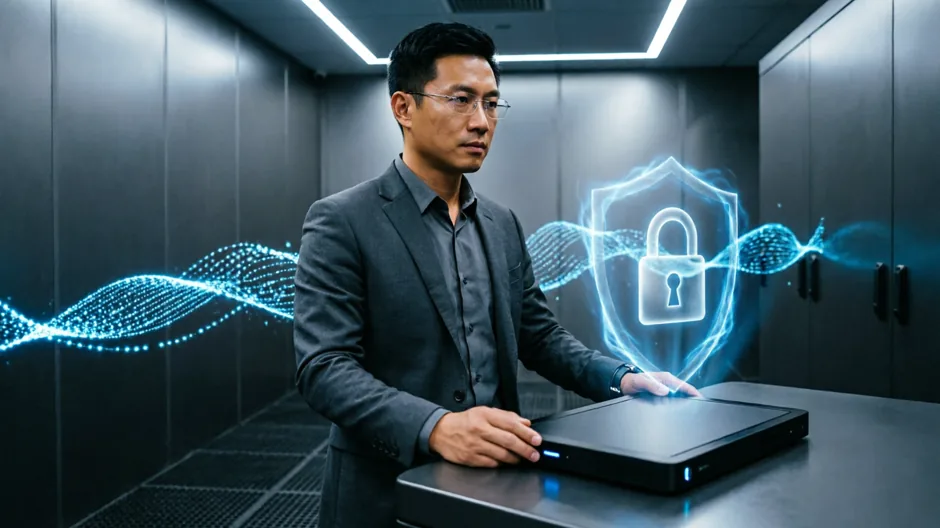
Desktops run in the cloud and data stays in the data center, never landing on endpoints — reducing the risk of leakage.
Unified image management and centralised operations turn desktop support from "fixing machines one by one" into "publishing centrally".
- Data containment assurance
- Enterprise file service and unified data management
- Unified images and patch distribution
- Centralised operations and bulk troubleshooting
- Desktop usage analytics and capacity planning
Computer System Validation (CSV)
An auditable validation evidence chain delivered on the GAMP 5 V-model.
View details →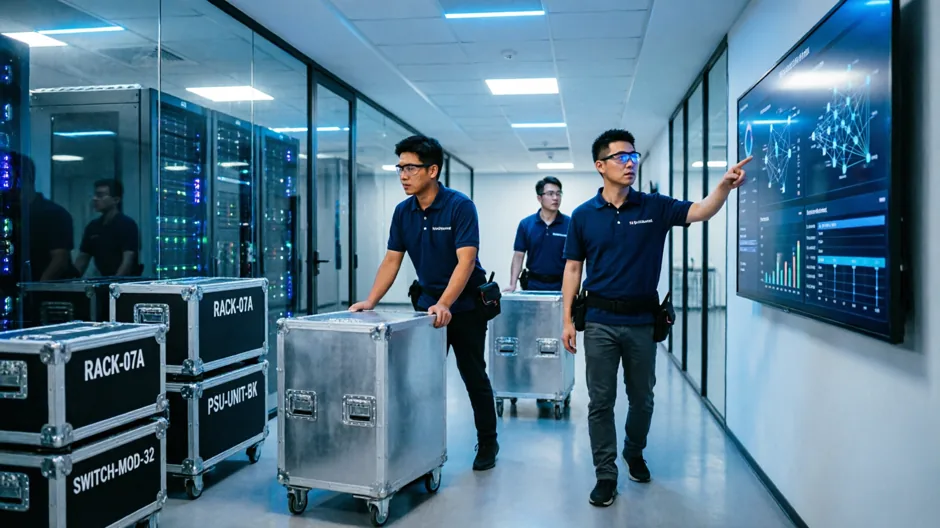
Data Center Migration
A six-step migration process where every step can be rolled back.
View details →
Unified O&M Monitoring
Multi-source ingestion, alert noise reduction, tiered on-call and ticket dispatch.
View details →
Network & Security Services
Enterprise networks, industrial networks, SD-WAN and full-stack security.
View details →
IT Architecture Consulting & Planning
Current-state assessment, evolution roadmap and investment prioritisation.
View details →Need expert service support?
Tell us how your systems look today and we will give you a route that actually works.
Book a free consultation